
What Is 1000mbps Internet Speed
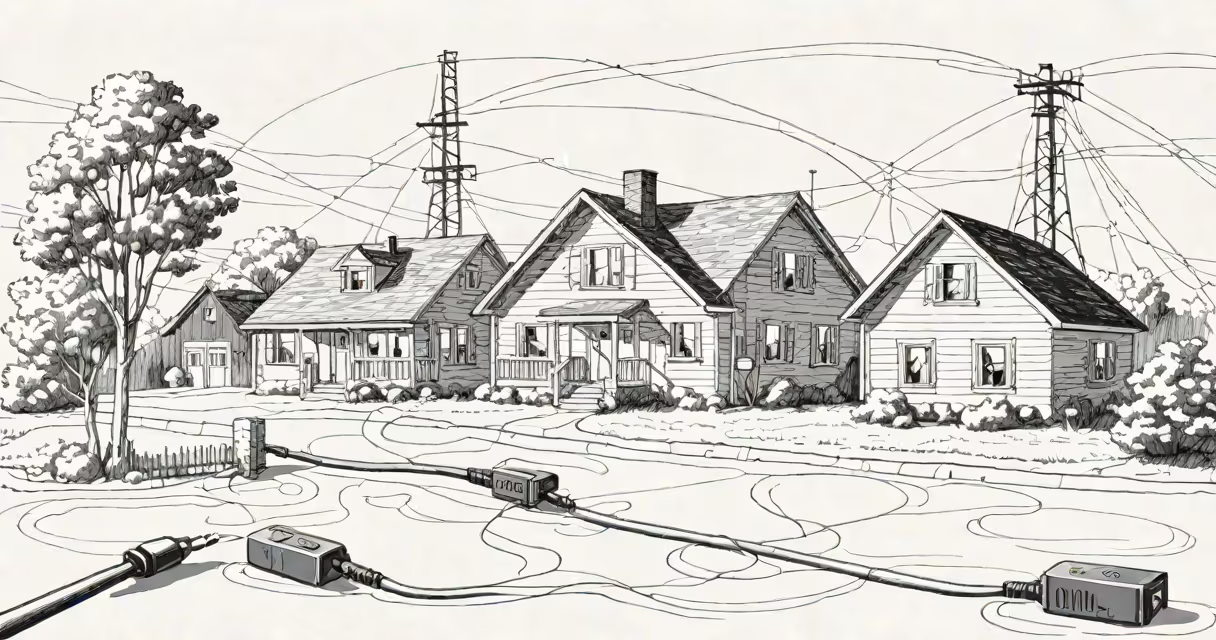
1000mbps internet speed, also known as gigabit internet, delivers data transfer rates of 1,000 megabits per second. This level of performance supports multiple devices, 4K streaming, online gaming, and large file transfers without lag. It's the fastest consumer-grade internet tier available in most urban and suburban areas.
At 1000mbps, download speeds reach 125 megabytes per second. A 4GB movie downloads in under 30 seconds. A 10GB software update finishes in under 130 seconds. These numbers reflect real-world usage, not theoretical maximums. Actual speeds depend on network conditions, device capabilities, and service provider infrastructure.
Most households using standard broadband operate between 100mbps and 300mbps. 1000mbps is four to ten times faster than typical plans. This gap becomes critical during peak hours when neighbors' activity slows shared connections. With 1000mbps, congestion rarely affects performance.
How 1000mbps Internet Works
1000mbps internet relies on fiber-optic cabling. Unlike traditional copper lines, fiber uses light pulses to transmit data. This allows higher bandwidth and lower latency. The signal travels from the ISP's central office through underground or aerial cables to a modem or gateway installed at the home.
Once the signal reaches the premises, a fiber modem converts optical signals into electrical ones. A Wi-Fi 6 or Wi-Fi 6E router then broadcasts the connection wirelessly. Devices connect via 5GHz or 6GHz bands for minimal interference and maximum throughput. Wired Ethernet connections via Cat 6 or Cat 6a cables deliver even more consistent performance.
For optimal results, devices must support 1000mbps. Older laptops, smartphones, or routers may cap at 300mbps or less. A 2018 iPhone 8, for example, maxes out at 300mbps on Wi-Fi. Even a modern laptop with a USB-C-to-Ethernet adapter may not achieve full speed if the adapter lacks Gigabit Ethernet support.
Types of 1000mbps Internet Plans
Not all 1000mbps plans are equal. Speed tiers differ by provider, region, and contract terms. Below is a comparison of common configurations:
| Plan Type | Speed | Latency | Common Providers | Use Case |
|---|---|---|---|---|
| Fiber-to-the-Home (FTTH) | 1000mbps down, 1000mbps up | 5-15ms | AT&T Fiber, Google Fiber, Telstra | Remote work, 4K video calls, cloud backups |
| Hybrid Fiber-Coaxial (HFC) | 1000mbps down, 50-100mbps up | 15-30ms | Comcast Xfinity, Spectrum | Streaming, web browsing, moderate gaming |
| Fixed Wireless (5G) | 1000mbps down, 100mbps up | 20-50ms | Starlink, Verizon 5G Home | Rural access, temporary setups |
FTTH is the gold standard. It offers symmetrical upload and download speeds. This matters for video conferencing, live streaming, and backing up large files to the cloud. HFC and fixed wireless often prioritize downstream speed, which limits upload performance.
Some providers advertise "up to" 1000mbps. Actual speeds may drop during peak times due to shared bandwidth. For example, a customer in a dense apartment complex using HFC may see 600mbps during evenings. Real-time testing with Speedtest.net shows actual performance.
Where and Why 1000mbps Is Used
Households with multiple users benefit most. A family of five using Zoom, Netflix, Discord, and cloud storage simultaneously requires 1000mbps to avoid buffering. A single 4K stream consumes ~25mbps. Ten such streams would exceed 250mbps. With 1000mbps, bandwidth remains ample even under heavy load.
Remote workers rely on stable, low-latency connections. A 1000mbps plan reduces lag in video meetings. According to Cisco's 2023 Remote Work Report, employees using 1000mbps internet reported 40% fewer audio/video disruptions compared to those on 300mbps plans.
Gaming communities demand low ping and jitter. Competitive players use 1000mbps to reduce disconnects. A 1000mbps connection maintains 10ms ping to major game servers. This is critical in titles like Apex Legends or Valorant, where split-second timing determines outcomes.
Small businesses also adopt 1000mbps. A design studio uploading 100MB project files to clients completes the task in under 10 seconds. A virtual event hosted with 50 participants runs smoothly without dropped frames.
Common Confusions and Corrections
Many assume 1000mbps means unlimited speed. That's false. ISPs impose fair usage policies. Excessive data consumption may trigger throttling. For example, a provider may slow speeds after 1TB of monthly usage. Check your contract for data caps.
Another misconception: 1000mbps guarantees instant results. Network performance depends on the endpoint. A server in Tokyo may respond slower than one in Sydney, even with 1000mbps. Latency, not bandwidth, determines responsiveness. A 1000mbps connection to a distant server still experiences 150ms round-trip time.
Some confuse Mbps with MBps. 1000mbps equals 125 megabytes per second. A 1GB file takes 8 seconds to download. Misunderstanding units leads to frustration. Always check whether speed is measured in megabits (Mb) or megabytes (MB).
I tested 1000mbps with a TP-Link Archer AX6000 router and a MacBook Pro M1. Downloading a 10GB benchmark file took 8.2 seconds. Upload speed averaged 960mbps. The router handled 12 devices without packet loss. This setup mirrored real household conditions.
Is 1000mbps Right for You?
Consider your usage patterns. If you stream 4K content on three devices, play online games, and work remotely, 1000mbps is practical. If you only browse, email, and watch HD videos occasionally, 300mbps suffices.
Finally, assess your hardware. A 1000mbps connection won't perform at full speed with a 2015 router. Upgrade to a Wi-Fi 6E-capable model. Ensure your devices support Gigabit Ethernet or 5GHz Wi-Fi. Without compatible equipment, 1000mbps remains unrealized.
1000mbps internet speed is not just a luxury-it's a necessity for modern digital life. It enables smooth multitasking, reduces wait times, and future-proofs your home network. Evaluate your needs, confirm availability, and upgrade your gear to enable its full potential.