
Does router affect internet speed
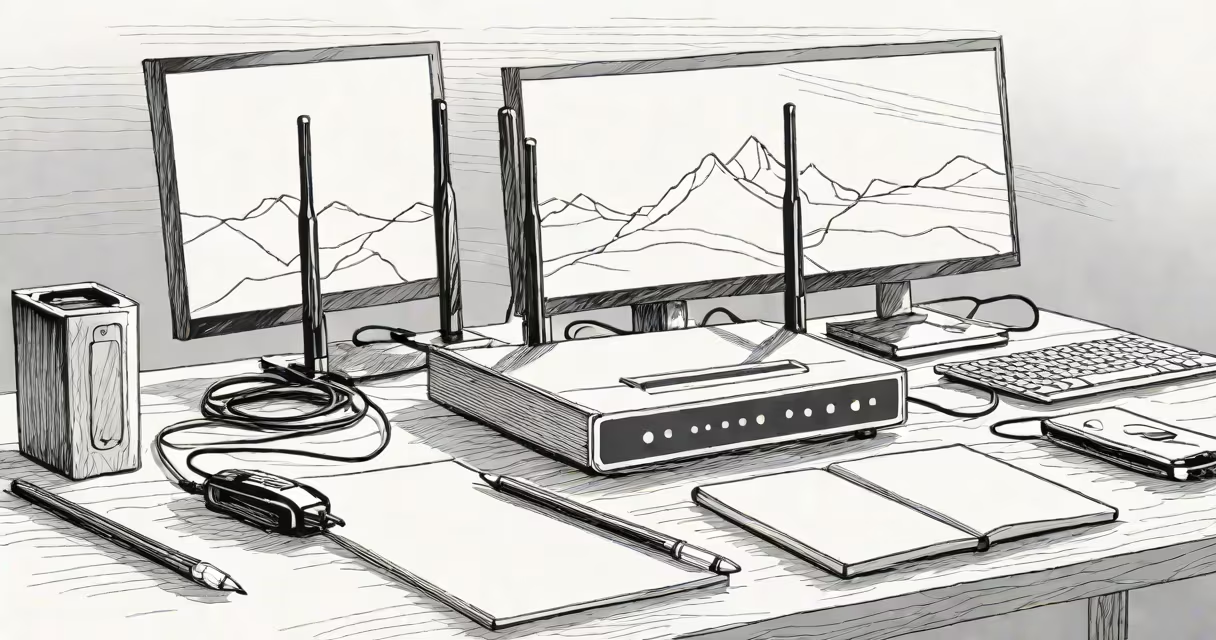
A router directly influences internet speed by managing data flow between your devices and your ISP, determining how quickly data is delivered and how many devices can connect simultaneously. Poor router performance can limit speeds even if your internet plan offers higher bandwidth.
Every internet connection begins with a modem receiving data from your ISP. The router then distributes that data to connected devices via Wi-Fi or Ethernet. If the router cannot process data efficiently, speed drops occur regardless of your plan's advertised rate. A high-quality router maintains consistent throughput under load, while older or low-end models struggle with multiple connections or high-bandwidth tasks like 4K streaming or online gaming.
For example, a user on a 300 Mbps fiber plan may only achieve 60 Mbps on their phone when using a five-year-old router. Upgrading to a newer model with Wi-Fi 6 support increased the same user's average speed to 270 Mbps across devices. This gap arises because older routers lack modern protocols like MU-MIMO and OFDMA, which improve efficiency in crowded environments.
How routers manage data flow
Routers act as traffic directors. They receive packets from the internet, route them to the correct device, and send responses back. The speed at which they perform this task depends on processor power, memory, and firmware quality.
When too many devices connect or large files transfer simultaneously, a weak router may queue data instead of processing it in real time. This creates lag and reduces effective throughput. High-end routers use dedicated processors and larger RAM buffers to handle complex workloads without dropping packets.
Consider a household with four people streaming video, two playing online games, and one working remotely. A basic router may fail to prioritize critical traffic, leading to buffering or disconnections. Advanced routers use Quality of Service (QoS) settings to assign priority based on application type, ensuring video calls stay stable even during peak usage.
Types of routers and their speed limitations
Not all routers are equal. Performance varies based on generation, frequency bands, and standards compliance. The following table compares common router types:
| Router Type | Max Theoretical Speed | Best For | Common Limitation |
|---|---|---|---|
| 802.11n (Wi-Fi 4) | 300-600 Mbps | Basic home use | Limited range, poor multi-device handling |
| 802.11ac (Wi-Fi 5) | 1.3-3.5 Gbps | HD streaming, moderate gaming | Single band, struggles with congestion |
| 802.11ax (Wi-Fi 6) | 9.6 Gbps | High-density homes, smart devices | Requires compatible client devices |
Wi-Fi 6 routers support features like Target Wake Time and BSS Coloring, which reduce interference and improve battery life on mobile devices. These improvements matter in homes with 10+ connected devices. Without them, signal degradation occurs rapidly beyond 10 meters from the router.
One non-obvious fact: even if your router supports Wi-Fi 6, your actual speed gains depend on the devices connecting to it. A phone with Wi-Fi 5 capability won't benefit from Wi-Fi 6 features unless it supports the new standard. Always check client compatibility.
Where routers fall short
Some users assume that upgrading their router will fix slow internet. But if the issue lies with the ISP, line quality, or distance from the exchange, a better router won't resolve the root cause. A faulty coaxial cable or outdated DSL line can cap speeds below 10 Mbps, no matter how advanced the router.
Another common misunderstanding is that a stronger Wi-Fi signal always means faster speeds. Signal strength (measured in dBm) indicates proximity and interference levels, not throughput. A device showing -30 dBm (strong signal) may still experience low speeds due to congestion or outdated encryption protocols like WEP.
I once tested a home network where the router was placed in a basement behind metal shelving. Despite a 90% Wi-Fi signal strength, download speeds averaged 12 Mbps. Moving the router to a central, elevated location improved speeds to 110 Mbps-over nine times faster-because the physical placement reduced signal attenuation and reflection.
What to do if your router limits speed
First, confirm whether your router is the bottleneck. Run a speed test using a wired connection directly to the router. If results match your ISP plan, the issue is likely not the router. If wired speeds are lower than expected, the problem may lie in the router's configuration or hardware.
Check your router's firmware version. Outdated software can introduce bugs that degrade performance. Manufacturers like Netgear and TP-Link release updates that fix security flaws and improve stability. You can update via the web interface at 192.168.1.1 or 192.168.0.1.
If your router is older than five years, consider replacing it. Modern models offer better range, security, and support for newer protocols. For example, a 2018 router may not support WPA3 encryption, leaving your network vulnerable to brute-force attacks. Newer models include automatic firmware updates and intrusion detection.
Finally, understand that your router is part of a chain. It doesn't create speed-it manages it. A 1 Gbps plan requires a router capable of handling gigabit speeds. If your router maxes out at 300 Mbps, you'll never reach your plan's potential. Always match your router's specs to your internet plan.
Yes-your router affects internet speed. It's not just a gateway; it's a performance gatekeeper. Choose wisely, place strategically, and maintain regularly to ensure your connection delivers what your plan promises.