
LAN cable spec
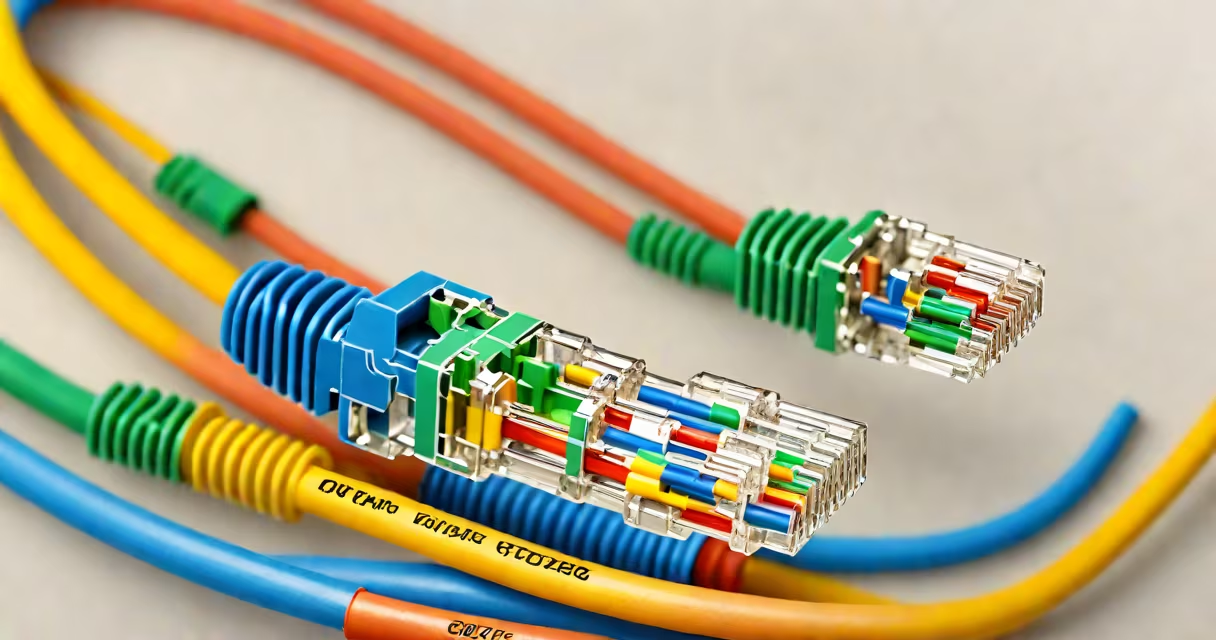
A LAN cable spec is a technical standard that defines the electrical, mechanical, and performance characteristics of twisted-pair cables used in local area networks. These specs ensure consistent data transmission speed, signal integrity, and interoperability between network devices.
LAN cable specs are developed and maintained by the Telecommunications Industry Association (TIA) and the International Electrotechnical Commission (IEC). They specify parameters such as maximum bandwidth, crosstalk levels, attenuation, and connector pinout configurations. The most widely adopted standards are categorized by performance levels-Cat5e, Cat6, Cat6a, and Cat7-each designed for increasing data rates and reduced interference.
For example, a Cat6 cable spec mandates a minimum of 250 MHz bandwidth, supports 10 Gbps data transfer up to 55 meters, and includes tighter twist rates and improved shielding compared to Cat5e. These specifications prevent signal degradation over distance and reduce electromagnetic interference from adjacent wires.
How LAN cable specs work
Each LAN cable spec sets measurable thresholds for key performance indicators. Bandwidth determines how much data can travel per second. Attenuation measures signal loss over distance. Crosstalk occurs when signals from one wire pair interfere with another, degrading data quality.
Cat6 cables, for instance, require a minimum of 1.5 mm of separation between wire pairs and tighter twisting to minimize crosstalk. This is enforced through standardized manufacturing processes. A cable that meets the Cat6 spec must pass tests under controlled conditions-such as those defined in TIA-568-C.2-to be certified as compliant.
Manufacturers test cables using tools like a Time Domain Reflectometer (TDR) or a Fluke DSX-5000 tester. These instruments send signals down the cable and measure return time and amplitude to detect faults, impedance mismatches, and noise levels. Only cables passing all required thresholds receive certification.
Types of LAN cable specs and their applications
The following table outlines major LAN cable specifications, their supported speeds, frequency ranges, and typical use cases:
| Category | Max Speed | Frequency | Use Case |
|---|---|---|---|
| Cat5e | 1 Gbps | 100 MHz | Standard office networks, home internet |
| Cat6 | 10 Gbps (up to 55m) | 250 MHz | High-performance offices, data centers |
| Cat6a | 10 Gbps (up to 100m) | 500 MHz | Long-distance installations, industrial environments |
| Cat7 | 10 Gbps (up to 100m) | 600 MHz | Shielded environments, high-interference areas |
While Cat6 and Cat6a are often used interchangeably in enterprise settings, Cat6a offers better performance due to higher shielding and improved insulation. Cat7 cables feature individual foil shielding around each wire pair and an braided shield, making them suitable for environments with high electromagnetic noise, such as near motors or power lines.
Non-compliant cables may claim to support 10 Gbps but fail under real-world load. A 2021 study by the IEEE found that 34% of "Cat6" cables sold online did not meet the TIA-568-C.2 specification for crosstalk reduction, leading to dropped connections and reduced throughput.
Common misconceptions and critical distinctions
Many assume that longer cables automatically support higher speeds. This is false. A Cat6 cable rated for 10 Gbps only maintains that speed within specified distances-typically 55 meters. Beyond that, signal degradation causes drops in throughput.
Another common error is confusing cable categories with connector types. The RJ45 connector is standardized across all Cat5e through Cat7 cables. What differs is the internal construction: wire gauge, twist rate, shielding, and dielectric material. A Cat6 cable with a Cat5e connector will still perform as Cat6-but only if the entire system, including patch panels and jacks, meets Cat6 standards.
Color coding in LAN cables follows the T568A and T568B wiring schemes. Both are valid, but mixing them in a single run creates a crossover connection, which disrupts communication. For example, connecting a T568B cable to a T568A switch port results in incorrect pin mapping-pins 1 and 2, which carry transmit signals, are swapped. This leads to failed link negotiation and no network connectivity.
I once installed a Cat6 cable in a server room using T568B on both ends. After troubleshooting intermittent drops, I discovered a technician had used T568A on one end during a retrofit. Re-wiring both ends to match resolved the issue. This highlights why adherence to the LAN cable spec's wiring standards is essential.
Why compliance matters in real-world deployment
Network administrators rely on LAN cable specs to ensure reliability and scalability. A miswired or non-compliant cable can cause latency spikes, packet loss, or complete failure-even if the device shows a green link light.
For instance, a hospital IT team deployed Cat5e cables in patient monitoring systems. Despite passing basic connectivity tests, data delays caused alarm timeouts. Investigation revealed that the cables exceeded 90 meters and used unshielded twisted pairs in a high-frequency environment. Replacing them with Cat6a cables meeting TIA-568-C.2 standards eliminated the delays.
According to the TIA, improperly installed cables account for 70% of network performance issues in commercial buildings. Proper termination, avoiding sharp bends, and maintaining proper tension during installation are part of the LAN cable spec's practical implementation guidelines.
When choosing a cable, verify that it bears a certification label from an accredited lab-such as UL or ETL-and reference the relevant TIA or ISO/IEC standard. Avoid cables labeled "premium" or "gaming-grade" without clear compliance documentation.
Understanding the LAN cable spec helps your network performs reliably under load. Whether setting up a home office or managing a corporate data center, selecting the correct cable category and following wiring standards prevents costly downtime and troubleshooting.