
comcast internet outage
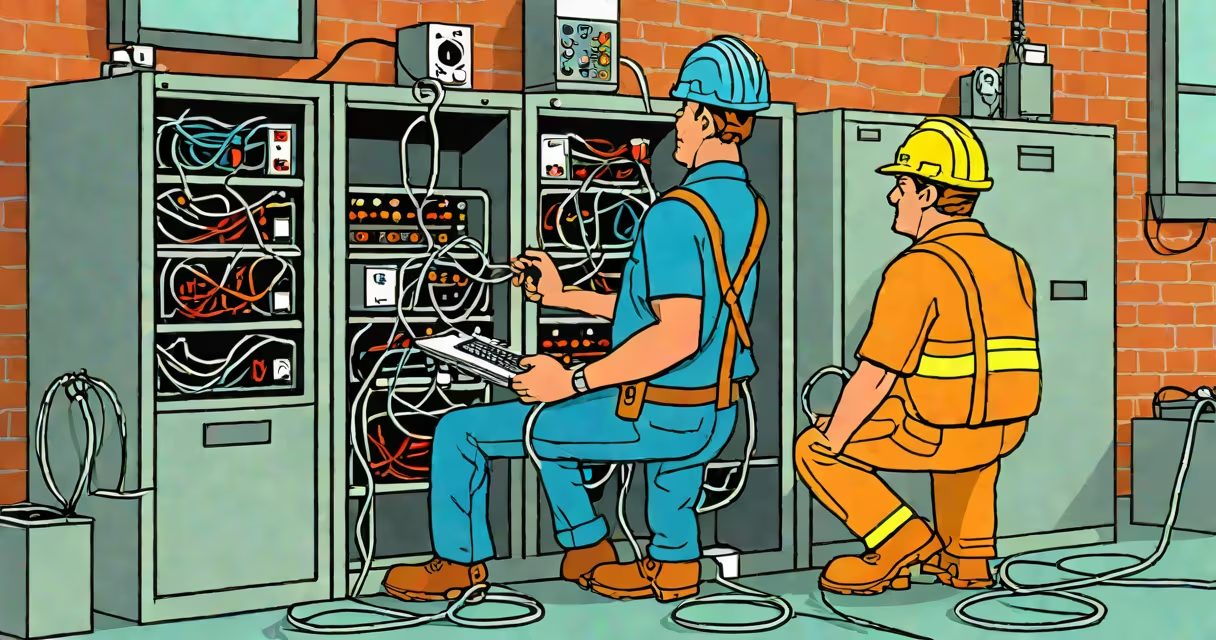
A comcast internet outage is a temporary loss of broadband connectivity caused by network failures, equipment malfunctions, or localized service disruptions affecting customers in a specific area.
Outages typically stem from hardware faults in the cable infrastructure, software bugs in modems or routers, or regional network congestion during peak usage hours. They may last minutes or extend into days depending on the root cause and repair priority.
Comcast uses a centralized monitoring system called the Network Operations Center (NOC) to detect service degradation across its footprint. When multiple users in a neighborhood report disconnection, the NOC flags a potential outage and dispatches field teams or initiates remote diagnostics.
How comcast internet outages work
When a comcast internet outage occurs, the signal path from the provider's headend to your home is interrupted. This can happen at any point along the chain: from the central office to the distribution node, to the drop cable running to your residence.
Common triggers include fiber cuts during construction, power failures at a node, or modem firmware crashes. In some cases, a single faulty splitter or damaged coaxial cable can disrupt service for an entire building.
For example, in March 2023, a storm in Atlanta caused a cascade failure at a key comcast hub, cutting off service to over 12,000 homes. The company restored connectivity within six hours after deploying mobile repair units and rerouting traffic through alternate nodes.
Types of comcast internet outages
Outages fall into three categories based on scope and cause:
| Type | Scope | Typical Cause | Duration |
|---|---|---|---|
| Localized | Single street or apartment complex | Coaxial cable damage, faulty splitter | Minutes to 24 hours |
| Regional | Multiple neighborhoods or ZIP codes | Node failure, fiber cut, power outage | Several hours to days |
| Systemic | Entire service region or nationwide | Software update error, DNS server crash | Hours to weeks |
Systemic outages are rare but impactful. In January 2022, a flawed software patch rolled out to 3 million modems caused widespread disconnections. Comcast issued a rollback and restored service within 18 hours.
Where and why they occur
comcast internet outage events cluster in urban areas with high-density cabling and older infrastructure. Cities like Chicago, Philadelphia, and Los Angeles report higher incident rates due to aging coaxial networks and frequent construction activity.
According to the Federal Communications Commission (FCC), 68% of reported comcast outages between 2020 and 2023 originated from physical layer issues-cable breaks, water intrusion, or rodent damage. Only 12% were attributed to customer-side equipment failures.
One overlooked factor is signal attenuation. As distance from the node increases, signal strength degrades. A 2021 study by the National Telecommunications and Information Administration (NTIA) found that homes over 1,200 feet from a node experienced 3.4 times more outages than those within 600 feet.
What comcast internet outage is often confused with
Many users mistake a comcast internet outage for slow speeds or intermittent lag. These symptoms may indicate bandwidth saturation, not a full service interruption.
For example, during peak evening hours, multiple devices streaming 4K video can overload a router's processing capacity. The connection remains active, but performance drops. This is not an outage-it's congestion.
Another common mix-up is confusing a comcast internet outage with a Wi-Fi issue. If only your wireless network fails while wired devices still connect, the problem lies with your router or access point-not the comcast network.
I once encountered a case where a customer reported a comcast internet outage. After testing, we discovered their modem had lost sync due to a loose coaxial connector. Replacing the cable restored service instantly. The issue wasn't a network-wide failure-it was a single-point failure at the customer's end.
How to verify and respond
If the issue is isolated to your home, restart your modem and router. Wait 90 seconds after unplugging them before reconnecting. This clears temporary glitches in the device's memory.
If service remains down, contact comcast support via the Xfinity app or by dialing 1-800-XFINITY. Provide your account number and describe the outage timeline. Support agents can check your service status and dispatch a technician if needed.
For recurring outages, consider upgrading to a newer modem model. Comcasts newer X1 modems have improved error correction and better handling of signal fluctuations compared to legacy models.
When troubleshooting, always rule out local issues before assuming a comcast internet outage. Check all cables, ensure power lights are on, and test with a different device or Ethernet port.
Understanding the difference between a full comcast internet outage and a performance issue prevents unnecessary service calls and speeds up resolution.