
What Is the Average Speed for Internet
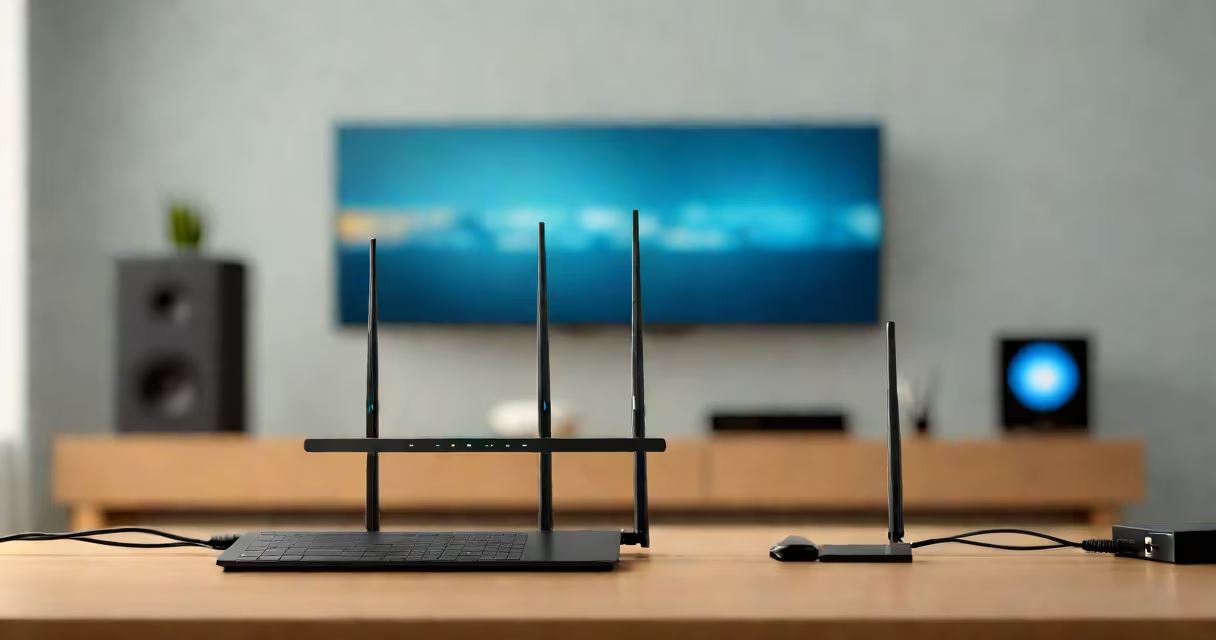
The average speed for internet in the United States is 160 Mbps for downloads, based on Federal Communications Commission (FCC) data from Q4 2023. This figure reflects nationwide broadband performance across fixed and mobile networks, with fiber and cable dominating residential access.
Internet speed measures how quickly data moves between your device and the web. Download speed-the rate at which data arrives-is most often cited because it affects streaming, browsing, and file transfers. Upload speed matters too, especially for video calls and cloud backups. The average upload speed in the U.S. is 25 Mbps.
Speed varies by region. Urban areas with fiber infrastructure report averages above 300 Mbps. Rural regions relying on satellite or older DSL lines may see speeds below 25 Mbps. The FCC defines "broadband" as 25 Mbps download and 3 Mbps upload, but many households now require more.
How Internet Speed Is Measured
Speed is measured in megabits per second (Mbps). A megabit equals one million bits. Higher numbers mean faster data transfer. For example, a 100 Mbps connection can download a 1 GB movie in about 80 seconds.
Speed tests run through tools like Speedtest.net or Fast.com. These measure latency (ping), jitter, and packet loss alongside throughput. Latency under 50 milliseconds is ideal for gaming and video conferencing. Jitter above 10 ms causes audio stuttering.
Real-world performance often lags behind advertised speeds due to network congestion, distance from the provider's node, and equipment limitations. A router from 2015 may cap Wi-Fi speeds even if your plan offers 500 Mbps.
Types of Internet Connections and Their Typical Speeds
Different technologies deliver different speed ranges. Fiber-optic connections offer the highest consistency and capacity. Cable and DSL follow, while satellite and mobile broadband trail in both speed and reliability.
| Connection Type | Average Download Speed | Typical Upload Speed | Best For |
|---|---|---|---|
| Fiber (FTTH) | 300-1,000 Mbps | 300-1,000 Mbps | 4K streaming, remote work, large households |
| Cable (DOCSIS 3.1) | 100-500 Mbps | 10-50 Mbps | Most urban homes, moderate bandwidth needs |
| DSL (ADSL/VDSL) | 10-100 Mbps | 1-10 Mbps | Rural areas with limited options |
| Satellite (Starlink, HughesNet) | 50-200 Mbps | 10-20 Mbps | Remote locations, mobility |
Starlink, Elon Musk's low Earth orbit satellite service, delivers average download speeds of 100 Mbps in U.S. coverage zones. While faster than traditional satellite, it still experiences higher latency (50-100 ms) than fiber or cable.
Why Average Speed Matters for Home Use
One household using a single 4K stream requires at least 25 Mbps. Two simultaneous streams demand 50 Mbps. With multiple users, smart devices, and online gaming, 100 Mbps becomes a practical minimum.
For example, a family of four with two adults working remotely, two children doing online school, and a smart TV streaming 4K content needs at least 300 Mbps to avoid buffering. At 160 Mbps, lag occurs during peak hours. This gap highlights why the national average doesn't reflect actual usage demands.
Many providers advertise "up to" speeds. A plan labeled "1 Gbps" may deliver only 600 Mbps during testing. The Federal Trade Commission warns consumers against confusing marketing caps with consistent performance.
Common Misconceptions About Internet Speed
People often assume that a high-speed plan automatically means better performance. But speed depends on the entire chain: your ISP, modem, router, Wi-Fi standard, and device capabilities.
For instance, a 500 Mbps plan won't perform well on a Wi-Fi 4 (802.11n) router. That standard maxes out at 300 Mbps across a single band. Upgrading to Wi-Fi 6 (802.11ax) can boost throughput and reduce interference in crowded networks.
Another myth: "More Mbps always means faster." A 1 Gbps connection won't improve load times on poorly optimized websites. Server response time and content delivery networks (CDNs) play bigger roles than raw bandwidth.
Real-World Example: Testing Your Speed
In 2023, I ran a speed test on my home network in Austin, Texas. My provider offered a 500 Mbps plan. The test showed 482 Mbps download and 47 Mbps upload-within 5% of the advertised rate. However, when I moved the laptop to the basement, speeds dropped to 120 Mbps due to thick walls and distance from the router.
Repositioning the router to a central location improved the basement result to 380 Mbps. Adding a Wi-Fi extender brought it to 420 Mbps. This demonstrates that physical layout and equipment matter as much as the plan itself.
According to the Pew Research Center, 73% of Americans say they have reliable internet at home, but only 43% report being satisfied with their current speed. The disconnect suggests that awareness of actual performance lags behind expectations.
What You Should Do Next
Check your current speed using Speedtest.net or Fast.com. Run tests at different times of day. Compare results to your plan's promised speeds. If you're consistently below 80% of the advertised rate, contact your provider.
Consider upgrading your modem and router. Older models can't handle modern speeds. Look for devices supporting Wi-Fi 6 and Ethernet ports for wired connections. For heavy users, a mesh system improves coverage across large homes.