
typing tutor online
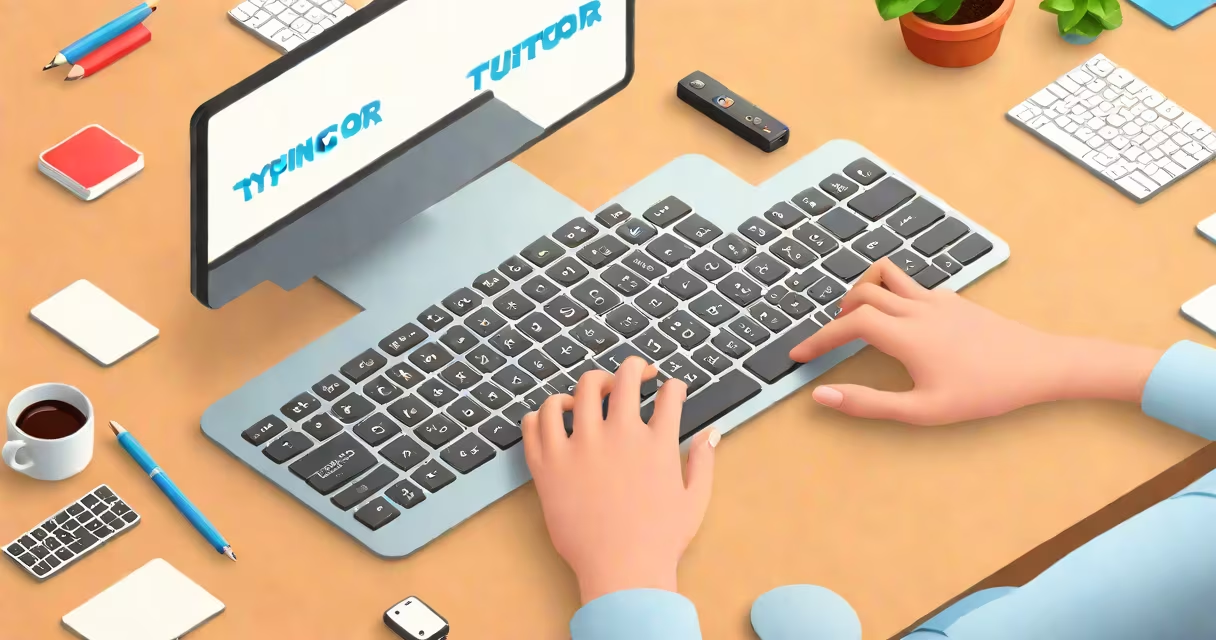
A typing tutor online is a web-based tool that teaches touch typing using guided lessons, real-time feedback, and timed drills. It trains users to type without looking at the keyboard by assigning specific fingers to keys and tracking progress over time.
These tools simulate a structured learning path similar to classroom instruction. They begin with home row key placement, then introduce letter groups, punctuation, and eventually full sentences. Each session adapts to the user's pace, adjusting difficulty based on error rate and speed.
Unlike random typing games or unstructured practice, a proper typing tutor online uses spaced repetition and muscle memory drills. It tracks metrics like WPM (words per minute), accuracy percentage, and keystroke consistency. These numbers help identify weak spots-such as frequent errors on the 't' or 'n' keys-and adjust training accordingly.
How It Works
Typing tutor online platforms use a layered curriculum. The first phase focuses on correct finger positioning. Users learn to place their left index finger on the 'f' key and right index on the 'j' key-the tactile markers that define the home row. From there, they move to adjacent rows and gradually build reach.
Each lesson includes visual cues. A highlighted key shows which key to press next. As the user types, the system checks whether the correct finger was used. If not, it flags the mistake and suggests correction. This immediate feedback prevents bad habits from forming.
After mastering basic keys, the platform introduces compound words and short phrases. Lessons evolve from single letters to full sentences. Some programs even include typing poetry, news snippets, or technical terms to expose learners to varied vocabulary.
Types and Features
Not all typing tutors online are equal. They differ in structure, focus, and delivery method. Here's a breakdown of common types:
| Type | Best For | Key Feature |
|---|---|---|
| Beginner-focused | Newcomers with no prior experience | Simple layout, large key visuals, slow pacing |
| Speed-oriented | Professionals aiming for 60+ WPM | Advanced drills, timed challenges, error analysis |
| Curriculum-based | Students needing structured progression | Lesson-by-lesson modules, certificates, progress reports |
| Game-integrated | Young learners or those who dislike routine | Points, levels, avatars, sound effects |
Free versions often limit access to advanced features. Paid plans may include personalized dashboards, offline mode, or integration with school or work systems. Some platforms offer mobile apps, though desktop use remains optimal due to larger screen size and better ergonomics.
One non-obvious distinction: not all typing tutor online tools measure accuracy correctly. Some count every keystroke, including backspaces. Others only score typed characters that remain on-screen. The difference affects reported accuracy. For example, a user who types "hello" and deletes it twice will show 0% accuracy in some systems-even if they meant to type "world." Reliable platforms exclude backspace corrections from accuracy calculations.
Common Misconceptions
Many assume typing tutor online is only for students or office workers. But professionals in healthcare, law, journalism, and programming rely on high-speed typing too. A medical transcriptionist typing 80 WPM reduces documentation delays. A software developer writing code quickly avoids context switching fatigue.
Another myth: "I don't need a typing tutor because I've been typing for years." Yet research from the University of Washington shows that even experienced typists improve by 15-25% after six weeks of structured touch typing training. The study measured both speed and error reduction across 120 participants using a standardized online program.
Some users confuse typing tutor online with keyboard games. While games like "TypeFaster" or "Keybr" offer fun challenges, they lack consistent pedagogy. They may teach speed but not proper form. A typing tutor online ensures correct finger movement, posture, and rhythm-not just fast results.
Real-World Example
In 2022, a high school teacher in Portland used a typing tutor online to train her 11th-grade class. She assigned 15 minutes daily over eight weeks. Before the program, average WPM was 28 with 78% accuracy. After completion, the class averaged 56 WPM and 94% accuracy. Students reported fewer wrist pains and faster essay drafting times.
The platform she used included auto-corrected feedback, weekly progress charts, and optional challenge modes. One student, Maya, improved from 22 WPM to 67 WPM. Her final report showed 96% accuracy and a 40% drop in typos during written exams.
Where and Why It's Used
Typing tutor online is widely adopted in education, remote work, and personal development. Schools integrate it into computer literacy curricula. Remote teams use it during onboarding to standardize input methods across departments.
For individuals, it reduces cognitive load. When typing becomes automatic, attention shifts from "where is the 'm'?" to "what am I saying?" This frees mental space for complex thinking, problem solving, and creative writing.
According to the National Center for Education Statistics, 87% of U.S. public high schools now include keyboarding instruction. Of those, 62% use a dedicated typing tutor online platform rather than printed worksheets or video tutorials.
Final Thoughts
Using a typing tutor online consistently builds long-term efficiency. It's not about memorizing keys-it's about training your nervous system to respond automatically. With daily practice, most users see measurable gains within four weeks.
Start with a free version to test fit. Look for platforms that offer clear feedback, progress tracking, and correct finger assignment. Avoid those that prioritize entertainment over fundamentals. The goal isn't to win a game-it's to type faster, cleaner, and with less strain.
Consistent use of a typing tutor online transforms typing from a chore into a skill. It's a practical investment in productivity, health, and digital fluency.