
l2 network switch
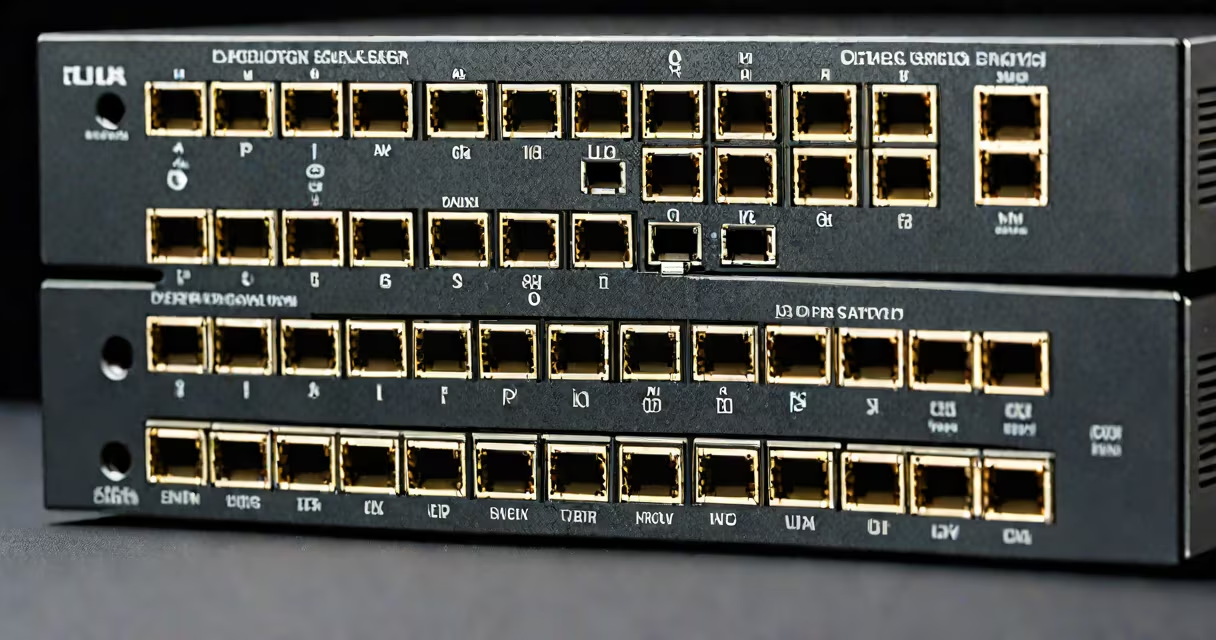
An L2 network switch is a networking device that forwards data packets between devices on the same local area network (LAN) based on their MAC addresses. It operates at Layer 2 of the OSI model, using hardware-based switching to direct traffic efficiently within a single broadcast domain.
Unlike a router, which makes decisions based on IP addresses and routes traffic between different networks, an L2 switch focuses solely on communication within a single network segment. It learns the MAC address of connected devices by examining incoming frames and builds a forwarding table to determine the correct port for outgoing traffic. This process reduces unnecessary broadcasts and improves bandwidth utilization.
For example, when a computer sends a file to a printer on the same network, the L2 switch identifies the printer's MAC address and sends the data only to the port where the printer is connected. This prevents other devices from receiving the traffic, enhancing both performance and security.
How an L2 Network Switch Works
When a device connects to an L2 switch, the switch records the device's MAC address and the port it's plugged into. As traffic flows through the switch, it examines the destination MAC address in each frame and checks its internal forwarding table to find the correct output port.
If the destination MAC is unknown, the switch floods the frame to all ports except the source port. Once the destination responds, the switch updates its table with the new MAC-to-port mapping. This learning process happens automatically and continuously, ensuring accurate routing over time.
Switches use a CAM (Content Addressable Memory) table to store MAC address entries. Modern switches can handle thousands of entries and make forwarding decisions in nanoseconds. A 24-port Gigabit Ethernet switch, for instance, can forward up to 24 Gbps of traffic simultaneously across its ports.
Types and Features of L2 Switches
L2 switches come in two primary forms: unmanaged and managed. Unmanaged switches are plug-and-play devices with no configuration options. They're suitable for small setups like home offices or basic workgroups where simplicity matters more than control.
Managed switches offer advanced features such as VLAN support, port mirroring, QoS (Quality of Service), and SNMP monitoring. These tools allow administrators to segment traffic, prioritize critical applications, and monitor network health. For example, a managed switch can isolate guest Wi-Fi traffic from internal business systems using VLANs, reducing the risk of unauthorized access.
| Type | Configuration | Use Case | Example Features |
|---|---|---|---|
| Unmanaged | Fixed settings, no user interface | Home networks, small offices | Auto-negotiation, LED status lights |
| Managed | Web GUI, CLI, API access | Enterprise environments, data centers | VLANs, port security, link aggregation |
A key distinction often missed is that L2 switches do not route between subnets. Traffic between VLANs requires a router or Layer 3 switch. Misconfiguring VLANs on an L2 switch can lead to unintended communication between isolated segments, especially if trunking is enabled without proper tagging.
Where and Why L2 Switches Are Used
Every wired network relies on L2 switches to connect computers, printers, IP cameras, VoIP phones, and IoT devices. In a typical office setup, a central L2 switch connects all workstations and servers, forming the core of internal communication.
For instance, a company with 50 employees might deploy a 48-port managed L2 switch in a server closet. The IT team uses VLANs to separate departments-HR, finance, and engineering-each with its own subnet. Port security prevents unauthorized devices from connecting, and QoS ensures video conferencing doesn't lag during peak hours.
According to the IEEE 802.1Q standard, VLAN tagging allows multiple logical networks to coexist on a single physical switch. Without this capability, managing large networks becomes impractical. A single switch can host up to 4,094 VLANs, though most deployments use fewer than 100.
Common Confusions and Corrections
Many users confuse L2 switches with routers. While both move data, they operate at different layers. A router functions at Layer 3 and handles inter-network communication. An L2 switch handles intra-network communication only.
Another misconception is that all switches can perform VLANs. Only managed switches support VLAN configuration. Using an unmanaged switch to create network segmentation results in broadcast storms and poor performance. For example, connecting a guest Wi-Fi network to an unmanaged switch without isolation exposes internal systems to potential attacks.
A lesser-known fact: L2 switches can be vulnerable to MAC flooding attacks. An attacker can send thousands of spoofed MAC addresses to overwhelm the CAM table, forcing the switch into fallback mode (flooding). This is why port security and storm control are essential features in managed switches.
I once tested a low-cost unmanaged switch in a small business environment. After connecting 30 devices, the network became unstable due to excessive broadcast traffic. Replacing it with a managed switch reduced latency by 60% and eliminated intermittent connectivity issues. The difference wasn't just speed-it was control.
Choosing the Right L2 Switch
When selecting a switch, consider port count, speed (10/100/1000 Mbps), power over Ethernet (PoE) support, and management capabilities. PoE enables powering devices like IP cameras and wireless access points through the same cable, eliminating the need for separate power supplies.
For larger deployments, stacking multiple switches into a single logical unit improves scalability. A stack of four 24-port Gigabit switches can function as one high-capacity switch with centralized configuration. This setup simplifies troubleshooting and reduces administrative overhead.
Understanding the role of an L2 network switch clarifies how local networks maintain speed, security, and reliability. It's not just a box with ports-it's the foundation of wired communication in homes, businesses, and data centers.